
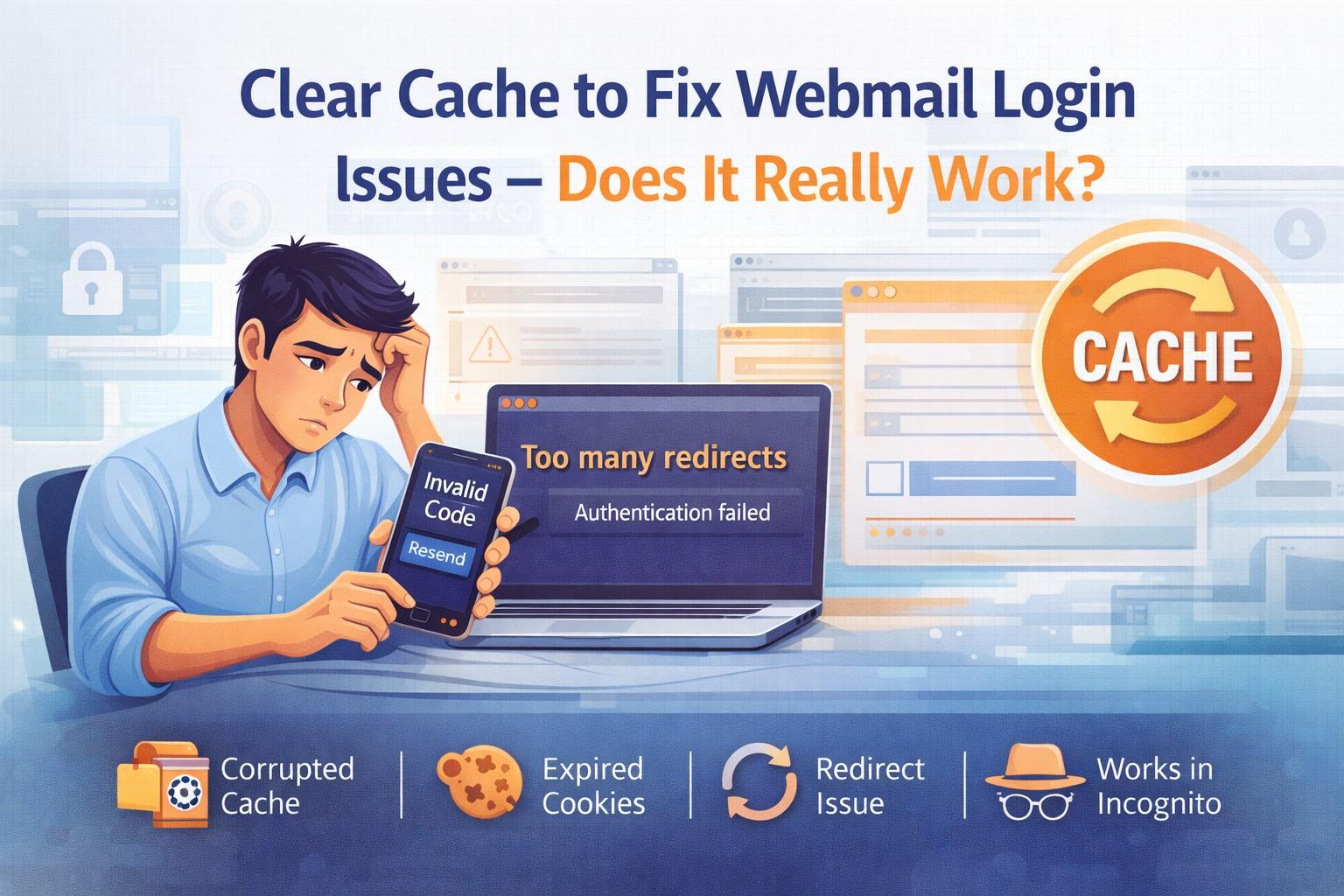
Introduction – Why Webmail Login Issues Are So Common
You open your webmail account.
You enter your password.
The page refreshes.
And suddenly — you’re back on the login screen.
Or maybe you see:
- “Session expired”
- “Authentication failed”
- “Too many redirects”
- “Invalid credentials”
You’re sure your password is correct. So what’s going on?
One of the most common suggestions online is:
👉 “Clear your browser cache.”
But does clearing cache really fix webmail login issues?
Or is it just a generic troubleshooting myth?
In this in-depth 2026 guide, we’ll explain:
- What browser cache actually does
- How it interferes with webmail login
- When clearing cache works
- When it doesn’t
- And what to do instead
What Is Browser Cache?
Before solving the problem, we need to understand the technology behind it.
Definition of Cache
Browser cache is temporary storage where your browser saves:
- Images
- CSS files
- JavaScript files
- Login session data
The purpose?
To load websites faster on repeat visits.
Instead of downloading everything again, your browser loads saved versions.
Cookies vs Cache vs Local Storage
Many users confuse these three.
Cache
Stores website resources like images and scripts.
Cookies
Store login sessions and authentication tokens.
Local Storage
Stores larger data sets for web applications.
Webmail platforms rely heavily on cookies and session storage for login authentication.
How Browsers Store Login Sessions
When you log into webmail:
- You enter username and password.
- The server validates credentials.
- It creates a session token.
- That token is stored in cookies.
- Browser sends that token with each request.
If this token becomes corrupted or expired — login fails.
How Cache Causes Webmail Login Issues
Now let’s explore the real mechanics.
Expired Session Tokens
Login sessions expire for security reasons.
If your browser tries to reuse an old token:
- The server rejects it
- You’re redirected back to login
- You get stuck in loop
Clearing cookies removes old tokens.
Corrupted Cookies
Cookies can become corrupted due to:
- Interrupted browser update
- System crash
- Extension conflict
- Malware interference
When corrupted cookies are sent to server:
Authentication fails.
Mismatched Authentication Data
Sometimes the webmail server updates security configuration.
Your browser may still store old JavaScript or cached files.
This mismatch causes:
- Loading errors
- Broken login buttons
- Script failures
Clearing cache forces browser to download fresh files.
Cached Redirect Loops
If login redirects repeatedly:
- Old cached redirect rules may cause loop
- HTTPS vs HTTP mismatch
- VPN conflict
Clearing cache often breaks the loop.
Signs Cache Is Causing Login Problems
How do you know cache is the real issue?
Look for these clues:
Login Works in Incognito Mode
Incognito mode does not use stored cookies.
If login works there:
Cache/cookies are likely the problem.
Session Expired Message
If you see:
“Your session has expired. Please login again.”
It usually indicates expired cookie token.
Infinite Redirect Loop
Login → Refresh → Login → Refresh
Classic cache conflict symptom.
Password Correct but Error Appears
If password works on mobile but not desktop:
Browser data is likely interfering.
Does Clearing Cache Really Work?
Short answer:
✅ Yes — sometimes.
❌ No — not always.
Let’s break it down.
When Clearing Cache Works
It works if problem is caused by:
- Expired cookies
- Corrupted session
- Old authentication token
- Redirect loop
- JavaScript mismatch
In these cases, clearing cache often fixes issue instantly.
When It Does NOT Work
Clearing cache will NOT fix:
- Incorrect password
- Account suspension
- Two-factor authentication failure
- Server outage
- DNS misconfiguration
- ISP-level blocking
Many users assume cache is solution for everything — it’s not.
Disclaimer
MailFixGuide is an independent informational and educational website created to provide general guidance about webmail login issues, browser cache problems, authentication errors, and email security best practices.
We are not affiliated with, endorsed by, authorized by, or officially connected to any email service provider, including but not limited to:
- Gmail
- Outlook
- Yahoo Mail
All trademarks, logos, brand names, and service marks mentioned in this article are the property of their respective owners.
MailFixGuide does not provide:
- Direct technical support
- Account recovery services
- Remote troubleshooting assistance
- Password reset services
- Two-factor authentication bypass services
- Paid unlocking or login services
- Customer care phone support
We will never request your password, OTP code, authentication code, banking details, or confidential login credentials.