
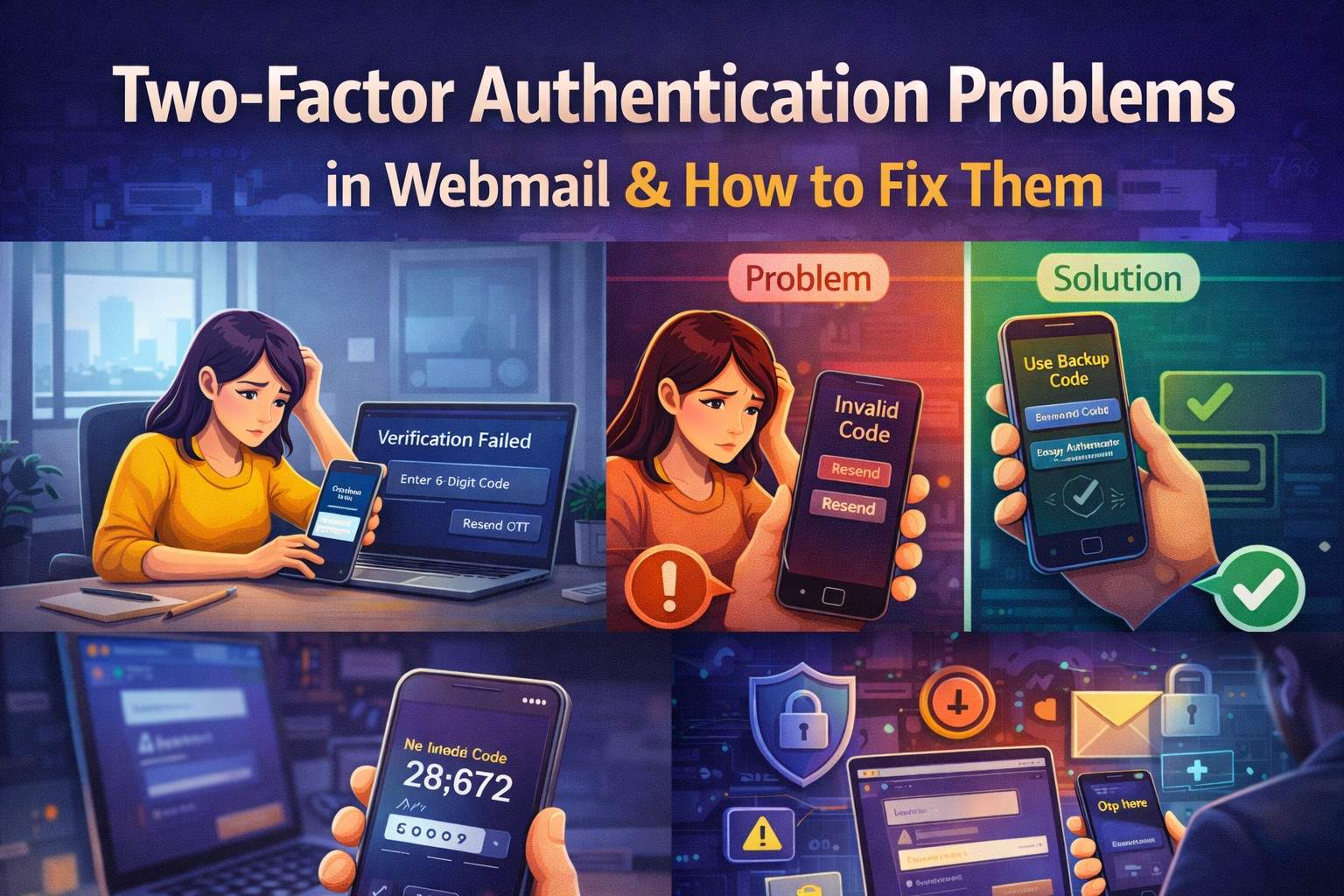
Introduction – Why Two-Factor Authentication Is Essential Today
Two-factor authentication (2FA) has become a standard security feature for webmail accounts. In 2026, email security is more important than ever. Your webmail account connects to banking, social media, business tools, cloud storage, and personal documents.
According to cybersecurity reports, a significant percentage of account breaches occur because of weak or stolen passwords. That’s why platforms like:
- Gmail
- Outlook
- Yahoo Mail
strongly recommend enabling two-factor authentication.
However, while 2FA improves security, it also introduces new login problems. Users frequently experience:
- OTP not received
- Verification code expired
- Authenticator app not working
- Recovery codes lost
- Device not recognized
If you’re facing two-factor authentication problems in webmail, don’t panic. Most issues can be fixed safely with proper troubleshooting.
What Is Two-Factor Authentication in Webmail?
Two-factor authentication adds an extra layer of security beyond your password.
Instead of relying only on something you know (password), it also verifies:
- Something you have (phone/device)
- Something you are (biometrics, in advanced systems)
Let’s explore common 2FA methods.
SMS-Based OTP
A one-time code sent to your registered phone number.
Common issues:
- SMS delay
- Carrier blockage
- Network congestion
Authenticator Apps
Apps like Google Authenticator generate time-based codes.
Issues may include:
- Time sync errors
- App uninstalled accidentally
- Phone reset without backup
Email-Based Verification
A code sent to backup email.
Problem occurs when:
- Recovery email inaccessible
- Spam filtering
- Typing errors
Push Notification Approval
You receive a push notification asking to approve login.
May fail due to:
- No internet
- Notifications disabled
- App outdated
Hardware Security Keys
Physical USB devices used for authentication.
Issues arise if:
- Device lost
- Browser not supported
- Key not registered
Common Two-Factor Authentication Problems
Let’s break down the most frequent 2FA problems users face.
OTP Not Received
One of the most common multi-factor authentication issues.
Causes:
- Weak mobile signal
- SIM card issues
- VPN interference
- International roaming
Fix:
- Switch network
- Restart phone
- Disable VPN
- Wait 2–5 minutes before retry
Authenticator App Not Generating Code
If your app shows invalid code:
Likely cause:
- Device time not synced
Fix:
- Enable automatic time sync
- Resync authenticator app
- Remove & re-add account
Lost Phone or Changed Number
If your phone number changed:
- You cannot receive SMS OTP
- Verification fails
Fix:
- Use backup codes
- Use recovery email
- Access account from trusted device
Backup Codes Lost
Many users forget to store recovery codes safely.
If lost:
- Use alternate recovery method
- Contact official support through verified channels
Suspicious Login Block
If login attempt looks unusual:
- New country
- New device
- VPN active
System may block verification.
Fix:
- Disable VPN
- Use familiar device
- Log in from usual location
MailFixGuide is an independent informational and educational website created to provide general guidance about webmail login issues, two-factor authentication (2FA) problems, OTP verification errors, and email security best practices.
We are not affiliated with, endorsed by, authorized by, or officially connected to any email service provider, including but not limited to:
- Gmail
- Outlook
- Yahoo Mail
All trademarks, brand names, logos, and service marks mentioned in this article are the property of their respective owners.
MailFixGuide does not provide:
- Direct technical support
- Account unlocking services
- Two-factor authentication removal services
- OTP generation or bypass assistance
- Remote device access
- Paid recovery or login services
- Customer care phone support
We will never ask for your password, OTP code, backup codes, authentication codes, banking information, or confidential login credentials.
The information provided in this article is intended for general educational purposes only. While we strive to keep our content accurate and up to date, webmail providers frequently update their security systems, authentication processes, and verification methods. We do not guarantee that all troubleshooting steps will apply in every situation.
Users are solely responsible for verifying procedures directly through the official website of their respective email service provider. Any action taken based on the information found on MailFixGuide is done at your own discretion and risk.
If you suspect unauthorized access, phishing activity, SIM swap fraud, or permanent account suspension, you should immediately contact your official email provider or telecom carrier through verified and legitimate channels.
By using this website, you acknowledge and agree to this disclaimer.